

Early Diablo 4 players got a chance to test the game via two recent beta periods, but now it looks like we’ll have to wait until the June 6th launch to get another shot.
Diablo 4 is available on PC, Xbox and PlayStation platforms. Running the console versions should be easy, but if you’re a PC gamer and want to know if Diablo 4 will work on your hardware, you’ll need to check out a long list of required and recommended hardware specs.
For a Windows laptop or desktop computer, the official specifications are as follows.
Minimum requirements
720p resolution, low graphics settings, 30fps:
- Operating system: 64-bit Windows 10
- Processor: Intel Core i5-2500K or AMD FX-8100
- Memory: 8 GB RAM
- Graphics: Nvidia GeForce GTX 660 or AMD Radeon R9 280
- DirectX: version 12
- Storage: Solid State Drive with 45 GB available space
- Internet: broadband connection
recommended requirements
1080p resolution, medium graphics settings, 60fps:
- Operating system: 64-bit Windows 10
- Processor: Intel Core i5-4670K or AMD R3-1300X
- Memory: 16 GB RAM
- Graphics: Nvidia GeForce GTX 970 or AMD Radeon RX 470
- DirectX: version 12
- Storage: SSD with 45 GB available space
- Internet: broadband connection
Pretty much any laptop with a discrete GPU from the last 10 years should be able to run the game, even if it’s not at that high resolution and graphics settings. Due to Diablo’s wide fan base, the system requirements are lighter, compared to some of the more intense games, including Hogwarts Legacy.
As is always the case with PC games, spec recommendations may change over time, and you may have to experiment to get the best results. Also note that the final game may behave differently than the beta version, which is an unfinished product.
Does Diablo 4 work on Mac?
Like most popular PC games, there is no original Mac version of Diablo 4 planned as of now. Apple’s latest silicon chips make it difficult to dual-boot Windows for a Windows-only gaming experience.
But there are some potential options. If Diablo 4 arrives on a cloud gaming service like GeForce Now, Amazon Luna, or Nvidia’s Xbox Cloud Gaming, it will be one way to play on your MacBook, iMac, or Mac Mini.
Read more: The best cloud gaming services
No cloud support has been announced yet, but Microsoft, which is in the process of buying Activision Blizzard, recently announced a deal to bring more games to GeForce Now in general.
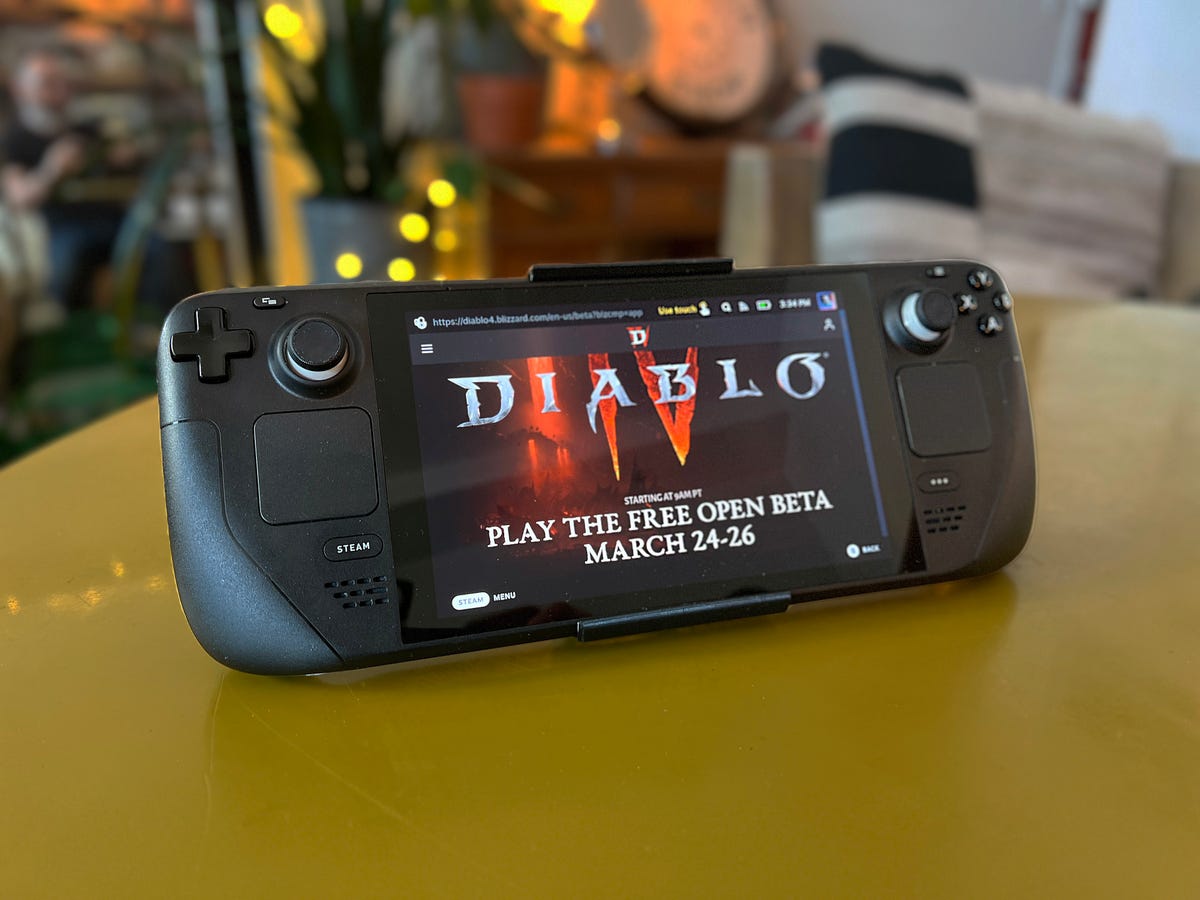
Will Diablo 4 run on Steam?
Short answer: yes. Long answer: Yes, but it’s a bit complicated and requires quite a bit of effort to set up.
The basic steps are as follows:
- Switch to desktop mode in the Steam Deck
- Download Blizzard’s Battle.net installer
- Add and run the installer as a “non-Steam” game from within the desktop version of Steam
- Add the now installed Battle.net app as a “non-Steam” game
- Launch the Battle.net app from within Steam, log into Battle.net as normal
- From there, you can launch Battle.net to install Diablo 4, in either the Steam Deck desktop or SteamOS modes
These are just broad strokes for people who already know how Steam and SteamOS work. For a more step-by-step breakdown, this guide from overkill.wtf is one of the most detailed I’ve seen, including the exact file paths you’ll need to set within Steam. Games on Linux also has an excellent and detailed guide.
Some troubleshooting tips from my own experience: If the game won’t start or starts without sound, you may need to force the game to use a specific version of Proton (which allows Windows games to play under Linux-based Steam OS). Right-click on the Steam Library entry for Battle.net, and go to Properties > Compatibility And it requires the app to use the recently released GE-Proton 7-51-diablo_4_beta build, specially modified for Diablo 4.
To get that specific version of Proton, if you don’t already have it, go to the Discovery app on your Steam Deck desktop, which is like an App Store. Search for “ProtonUp Qt. Install” and run this application, from there find the special version “7-51-diablo_4_beta” and install it.
I told you it was complicated.
Once I did all of that, Diablo 4 ran fine on the Steam Deck for me. At low graphics settings and a resolution of 1200 x 800 pixels, I hit 40-60fps most of the time, with occasional lag and stuttering. If the game is missing sound or Steam Deck controls don’t work, you may need to double check which version of Proton Battle.net it’s using, restart the Steam Deck or reinstall Diablo 4. Some of these combos finally work. for me.