

The Nord Buds 2 are the latest entry-level successor to last year’s Nord Buds. These are still some of the cheapest earbuds OnePlus sells but at $59, the Nord Buds 2 are $20 more than their predecessor.
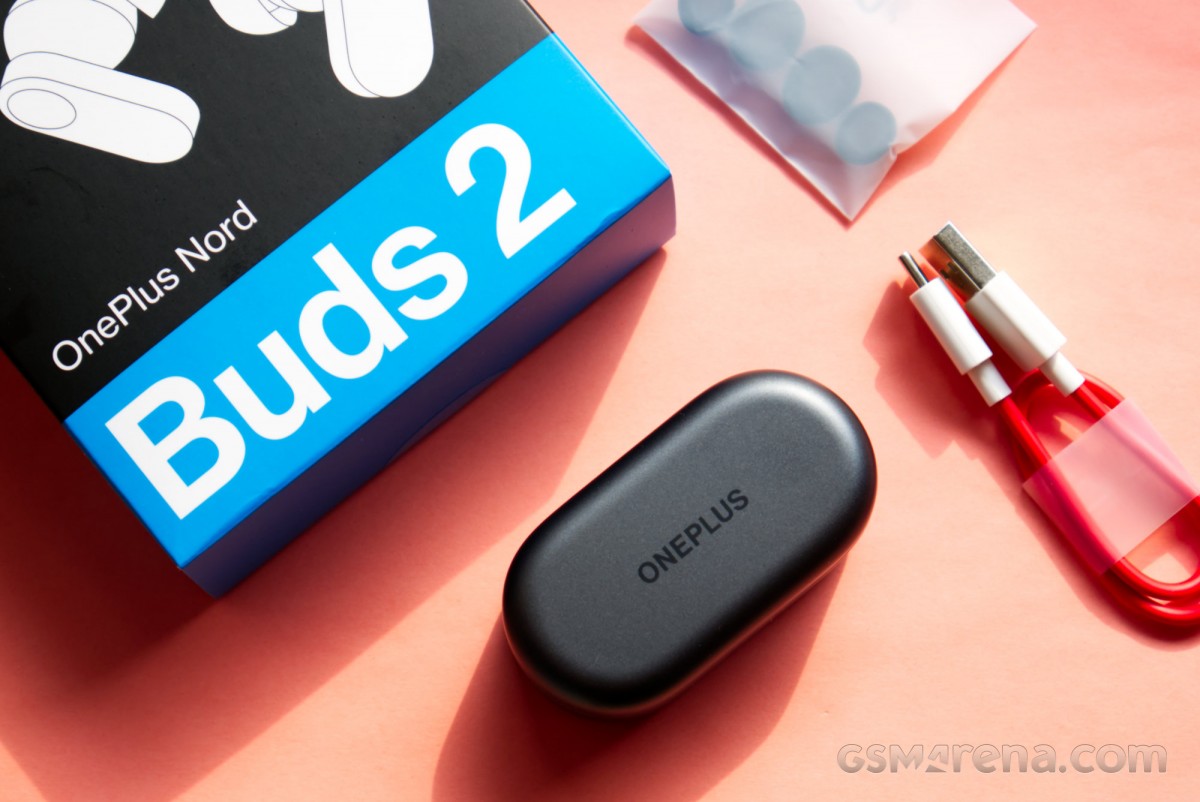
For this price, the Nord Buds 2 add active noise cancellation, making them the cheapest OnePlus headphones with this feature and also one of the cheapest pairs of earphones you will find in the market from a reputable brand with this feature. Is this enough to justify the price hike? Let’s find out.
design
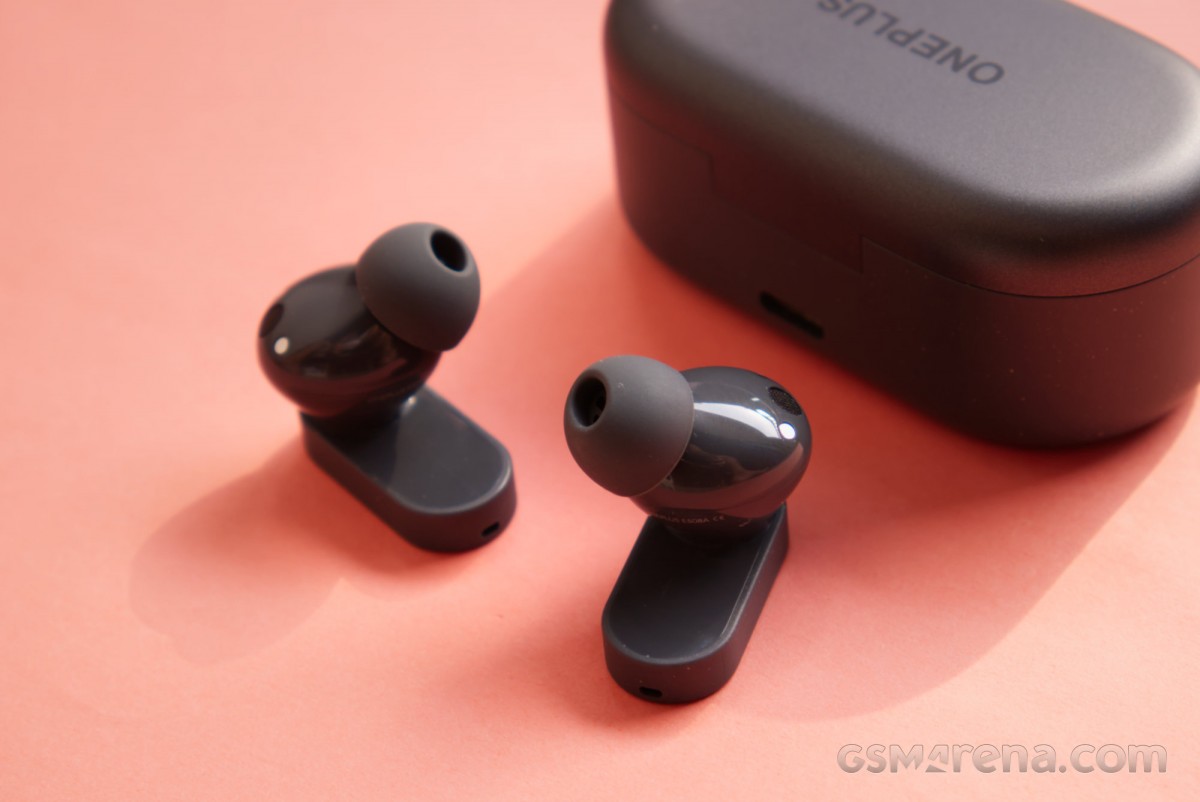
Nord Buds 2 feature a slightly modified design from the previous model. The case has the same basic shape but the edges are curved, resulting in a more rounded shape. The new case is also slightly smaller than its predecessor. Like the previous case, the new case has a good fit and finish for the price but no IP rating.
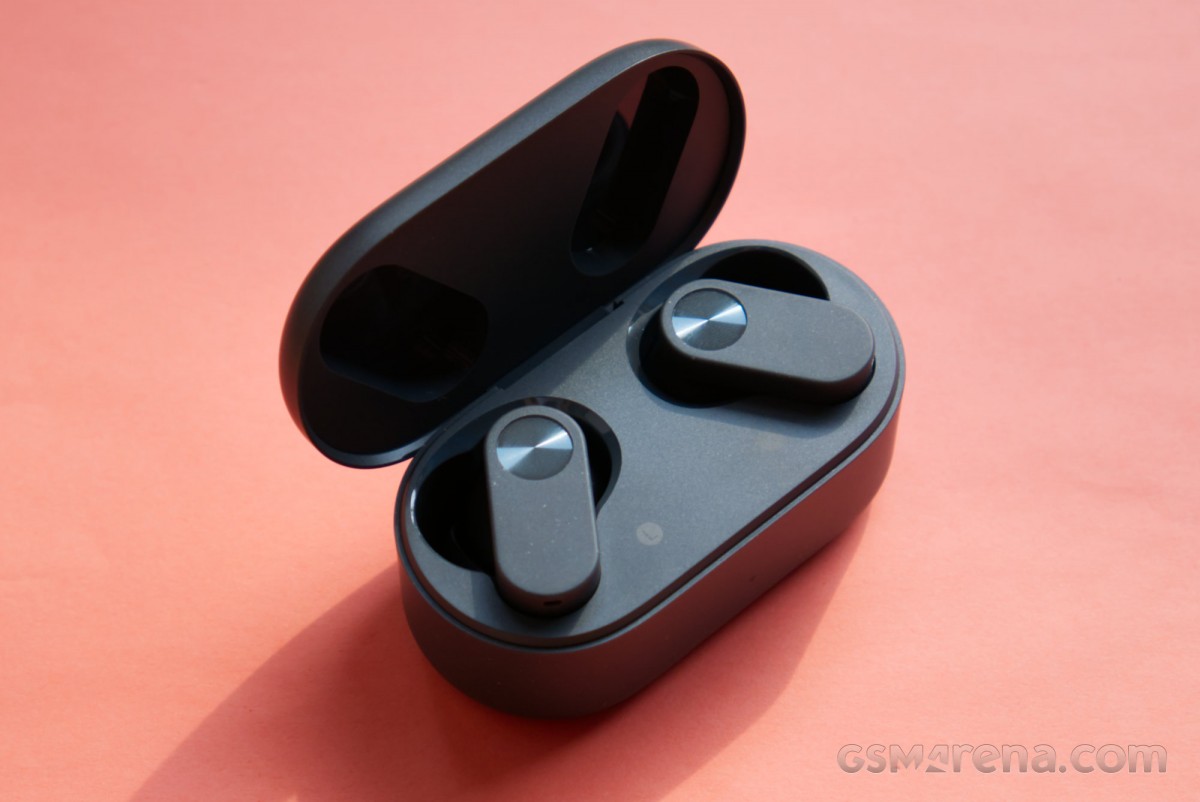
The new case also has a light gray color with a metallic sheen. The body is lighter gray than the cap and has an interesting spotted pattern, which at first glance looks like dust. The back of the case houses a USB-C port for charging and a pairing button so flush with the surface that it’s barely visible.
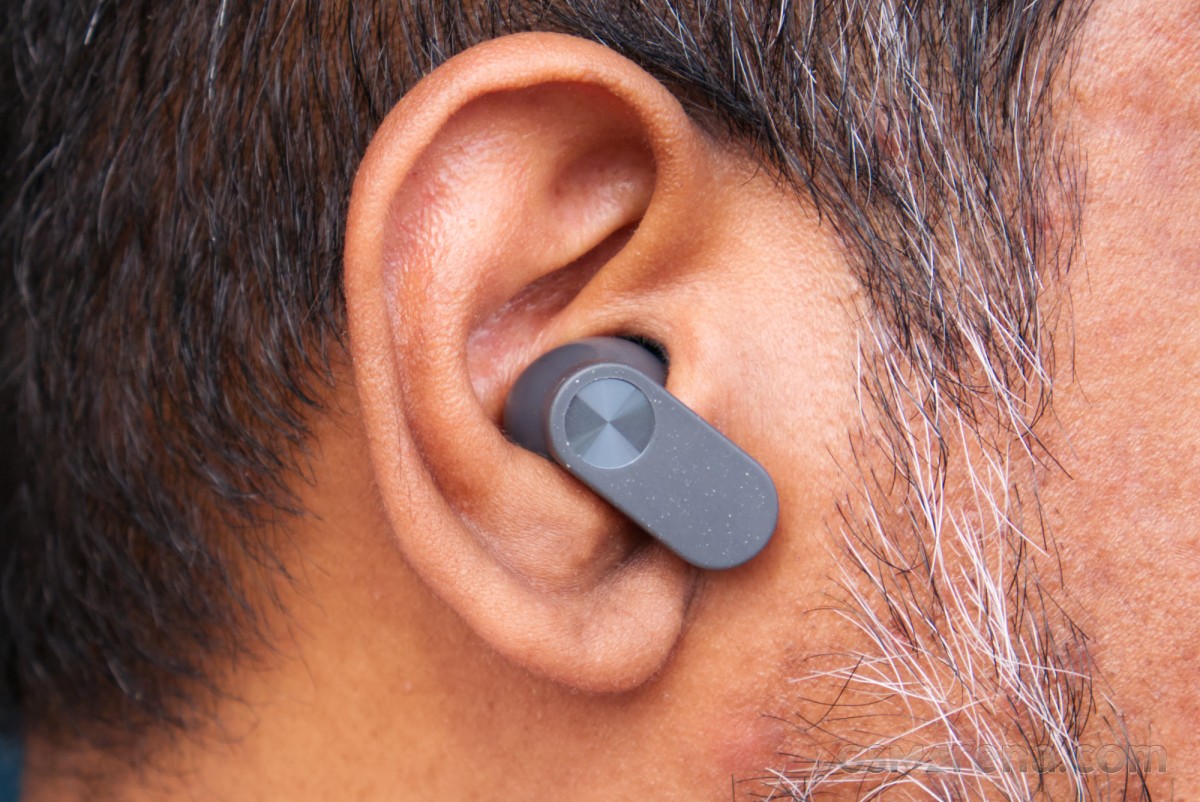
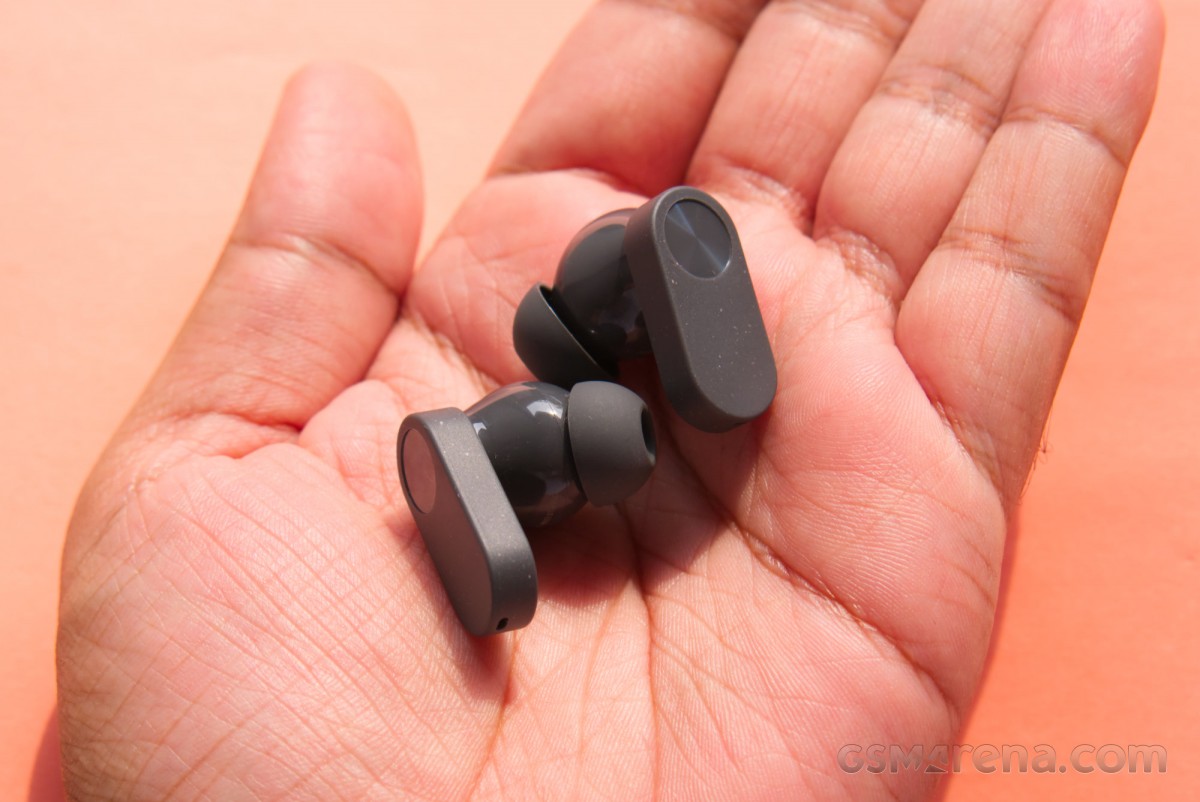
The earphones follow the theme of having a slightly modified version of the old design. They have the same flat, pill-shaped stems but the raised, rounded touch area is now integrated into the body in glossy clear plastic instead of chrome. The stems have the same spotted appearance, which in this case almost looks like the earphones are covered in dandruff. Maybe someone should have thought about that before pulling the trigger on paint.
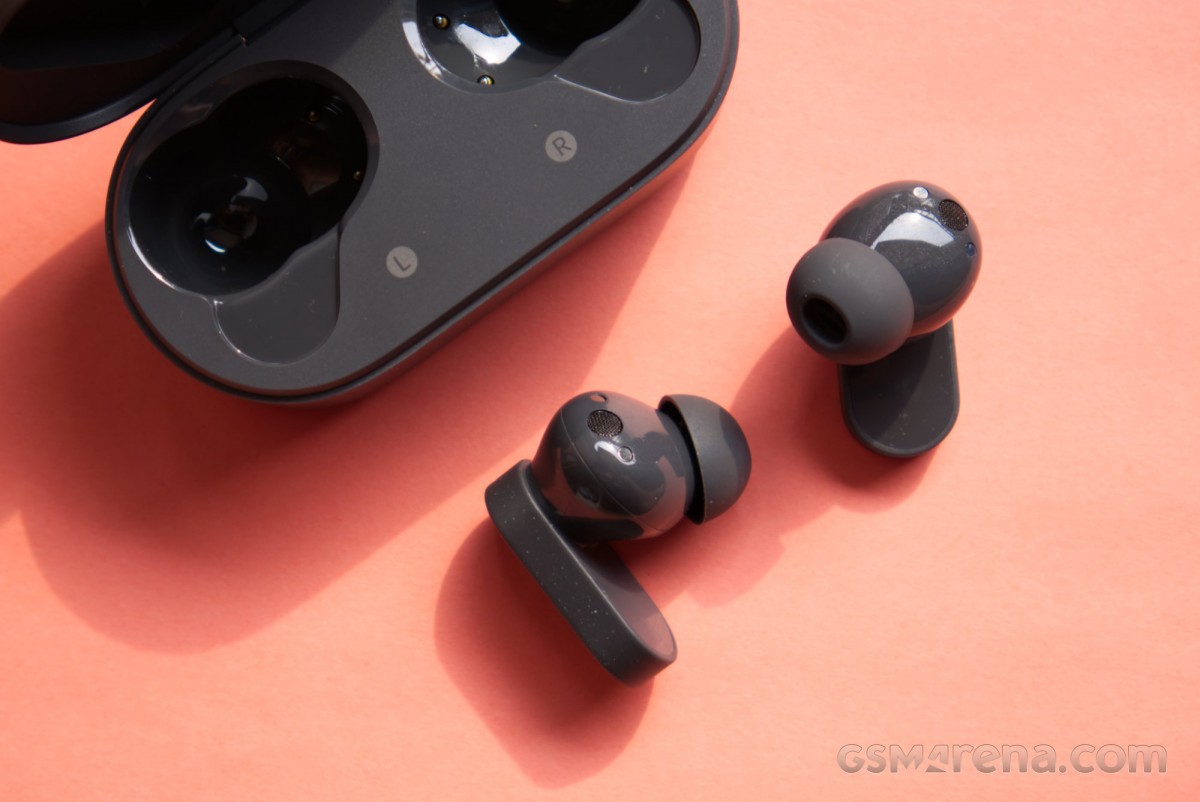
Regardless of the changes and the paint job, the Nord Buds 2 are still very distinctive and great looking. It’s also very small, lightweight and comfortable for long sessions. The earbuds have an IP55 rating, which makes them dust and water resistant.
programs and features
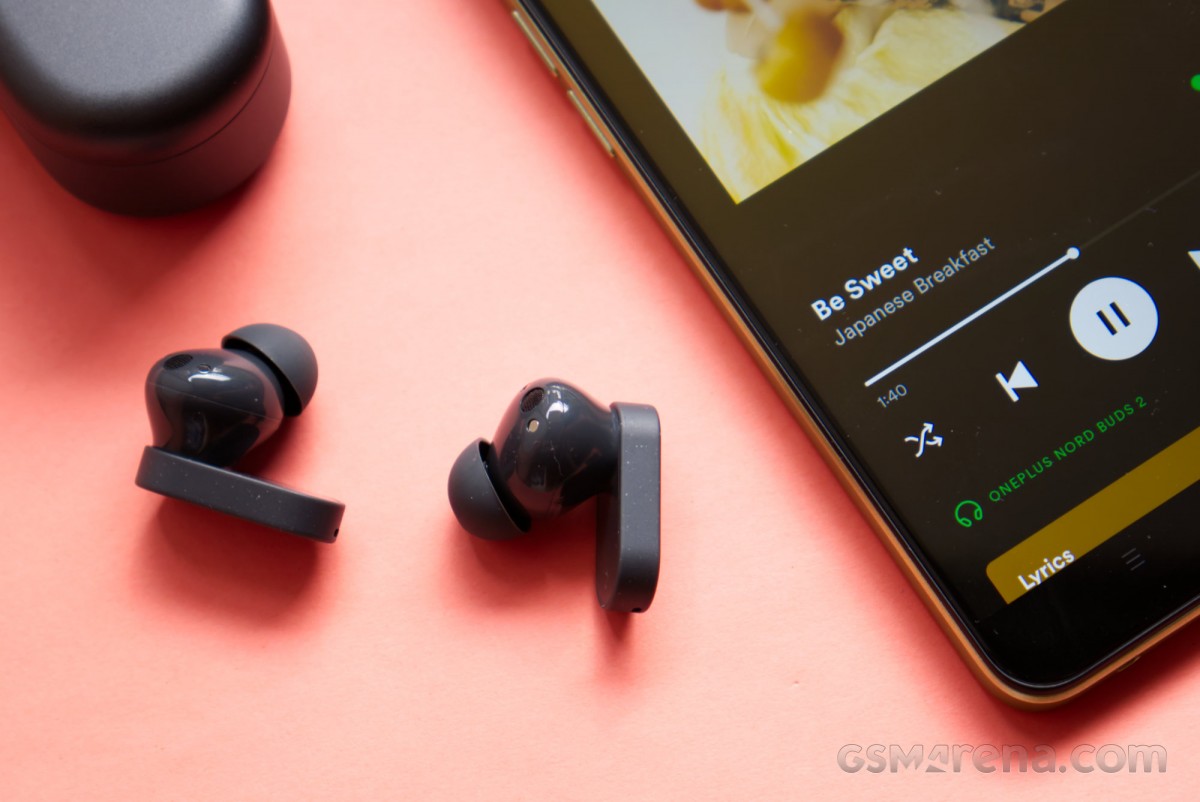
Nord Buds 2 can be controlled through Bluetooth settings on OnePlus phones or through the HeyMelody app on other Android and iOS phones. The earphones have the same basic feature set as the original Nord Buds but with a few additions.
The main new feature here is active noise cancellation. You can either turn it on or off or switch to transparency mode. There is no automatic or manual adjustment available here nor any custom tuning for your ears.
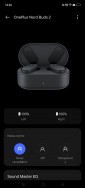
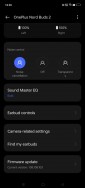
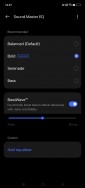
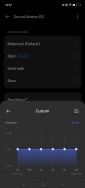
ANC and audio settings
The sound can be adjusted through the Sound Master EQ menu. Here, you have four presets with the option to create custom profiles with 6-band EQ. A new feature here is BassWave, which was introduced with the OnePlus Buds Pro 2. It’s supposed to be an algorithm that dynamically adjusts your sound but it’s actually just another bass knob. You can increase or decrease the bass level with a positive or negative offset.
Nord Buds 2 also offer good touch gesture control. You can click single, double, and triple, and each can be modified or disabled for each ear. You can set play/pause, previous/next track, voice assistant, or game mode but unfortunately, there is no volume control option. You can press and hold to switch between ANC modes and long touch and hold to switch to your previously paired device.
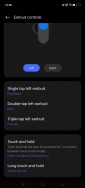
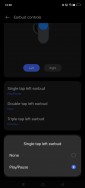
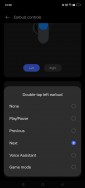
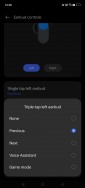
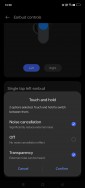
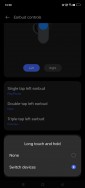

earbud controls
EQ and earbud control feature changes are saved on the earbuds themselves, meaning they pass to any device you pair them with, even if that device doesn’t support the app.
Unfortunately, a major omission from the original Nord Buds carries over to this model, which is the lack of in-ear detection. The earbuds have no idea when they’re being put on or taken off, which means they can’t play or pause accordingly. Likewise, ANC remains active even if you remove both earbuds, and removing just one earbud doesn’t switch to Transparency mode on the other earbud.
This would have been a nice feature to include over the original model. I’d go so far as to say I prefer in-ear detection over ANC, at least the type of ANC the Nord Buds 2 come with, but more on that later.
performance
sound quality
Nord Buds 2 have the same 12.4mm dynamic drivers as the previous model. They still support the same SBC and AAC codecs even though the Bluetooth version has been updated from 5.2 to 5.3, which doesn’t mean anything for sound quality.
In terms of sound quality, the Nord Buds 2 are very similar to the original with slight differences in tuning. The default EQ profile is called Balanced, which is ironic given that it’s quite heavy. The bass is somewhat thick and lumpy with plenty of mid-bass power. It works on some genres and tracks but also feels overbearing and unnecessary on others.
The songs have a smooth and pleasant tone in this preset. The voices have a good timbre and content like the podcast that satisfies because of the added warmth. The midrange may not stand out in the mix, especially alongside the bass, but it’s not swamped or pushed back like most other mainstream tunings are.
The trio has a similarly smooth energy to it without any sudden peaks or hiss. The Nord Buds 2 add a little extra sparkle at the top compared to the Nord Buds’ sound-like tuning, making it a little more balanced than its predecessor, which was all about that bass.
Fortunately, as with the Nord Buds, the Nord Buds 2’s tuning can be greatly changed using the presets. The distinctive Bold preset brings the bass down to more manageable levels while adding more energy to the treble. It tends to sound a touch too bright due to the excessive treble boosting and the vocals take a back seat, sounding rather mediocre, even compared to the well-balanced preset.
Serenade’s preset is all about the midrange and is probably the most balanced preset here overall. The midrange is a touch much more forward and nasal than it should be, but other than that, it has the best bass and treble tuning.
A bass preset is basically the balanced preset with more bass and extra treble. The BassWave setting can be used to add more bass in case you’d rather not hear anything else but a better use for it is to set it to -5 on the Balanced preset so you can bring the bass down to a more reasonable level while still enjoying the mids and treble. double.
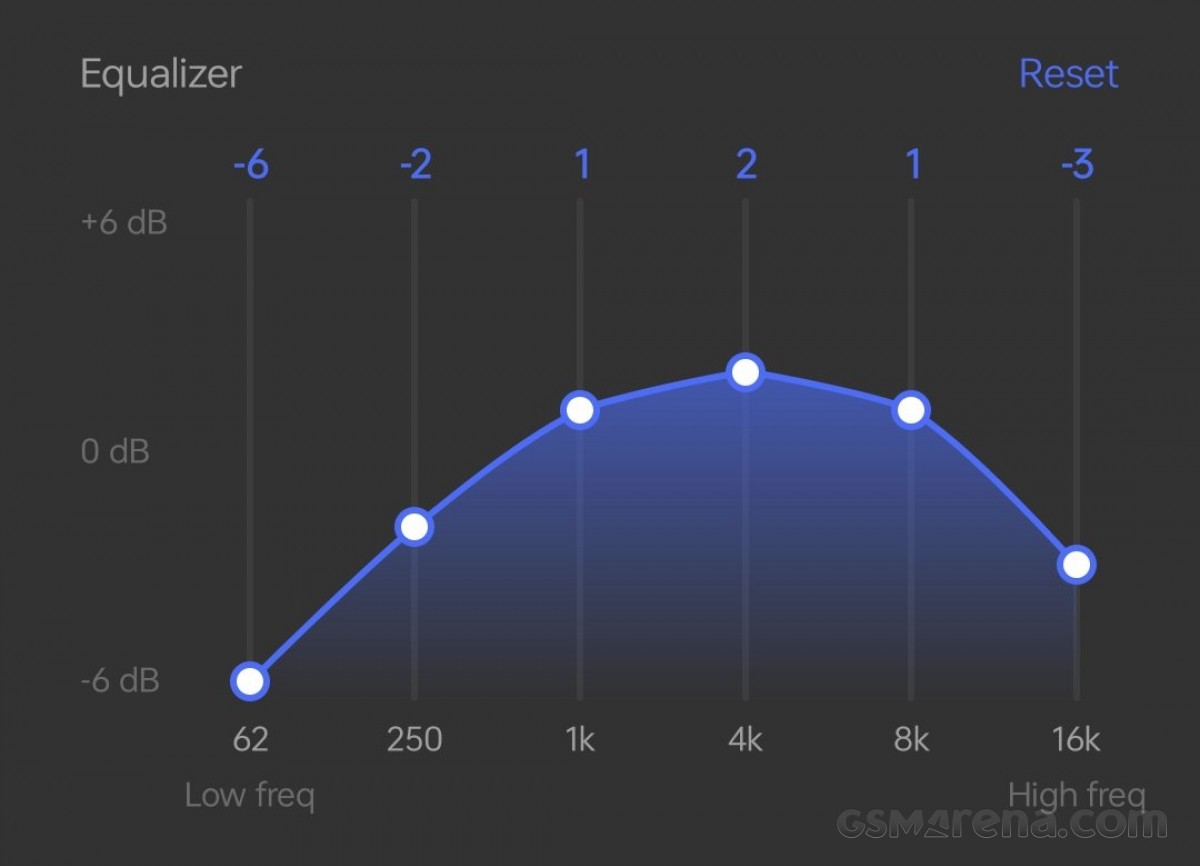
The dedicated equalizer is useful but limited by the 6-band EQ. Also, the bass, even at its lowest setting, can still be on the higher side. However, using the curve above, I was able to make the earphones sound pretty good, at least as far as frequency response is concerned.
That aside, the sound is quite mediocre and there’s not much you can do to improve that. The detail and resolution aren’t bad but they aren’t great either. The sound is also quite boxed in, sounding pretty much stuck inside your head with very little sense of space even on wide tracks.
Aside from slight tuning differences in the preset and BassWave setting, the Nord Buds 2 sound very similar to the Nord Buds. It’s not like there’s no room for improvement but OnePlus has decided to focus its attention on other aspects of the sequel.
microphone
Like its predecessor, the Nord Buds 2 have surprisingly good microphone quality. There is a slight metallic tone to the vocals but apart from that they sound very natural with good background noise suppression. If you just need something to make voice calls, these will work very well.
Noise canceling
The Nord Buds 2 have active noise cancellation, a feature not found on their predecessor. As mentioned before, it is a simply on/off feature with an added transparency mode.
The ANC level is mediocre at best. As usual, there is some attenuation in the low frequencies and a little bit in the mids but not much in the highs. However, the earphones themselves have decent passive isolation, so the overall effect is still decent. Likewise, the transparency mode isn’t great but the tones have to get the earphones out.
On my 5-point scale, with 4 being the current best implementation of ANC and 0 not being ANC, the Nord Buds 2 would be a 1 at best. It’s still better than no ANC but I’m really not sure if I want to pay more for it.
response time
Nord Buds 2 have very good latency performance. On OnePlus phones, the games will automatically launch the low-latency game mode while you have to manually enable it when using the HeyMelody app. Once enabled, the response time is surprisingly low and perfectly usable for most games. Video playback is not a problem either on smartphones as the video player will sync automatically to compensate for the delay.
Things are different with computers as there is no automatic syncing and this is where most Bluetooth products fall apart. Fortunately, since the Nord Buds 2 have relatively low latency by default, even without Game Mode and the earbuds auto-syncing works just fine. Latency is somewhat noticeable with high frame rate videos but not so much with 24fps content and even less if it’s animated. However, it is not recommended to play.
Connection
The Nord Buds 2 had no connection issues and the earbuds worked reliably every time.
battery life
The Nord Buds 2 have a battery life of 5 hours of continuous playback with ANC enabled and 7 hours with ANC disabled. During testing, I got 6 hours 13 minutes with ANC enabled and 8 hours 34 minutes with ANC disabled. These are a bit higher than the quoted numbers apart from being big numbers by themselves so you won’t see me complaining.
After a ten-minute charge from flat, the earphones played for 2 hours and 25 minutes with ANC on and 3 hours and 16 minutes with ANC off.
Conclusion
The OnePlus Nord Buds 2 are a modest upgrade over their predecessor. They look the same, they sound the same, and they have a good mic, response time, and battery life.
Adding ANC may not be worth the extra price depending on your region; I certainly don’t recommend paying the extra $20 in the US, and you’re better off getting the still-decent first-gen model for a discounted $29 now. In India, the price difference is just INR 300, in which case the new model is the one to get.
Overall, though, the Nord Buds 2 are a good pair of entry-level earphones. I really wanted to see in-ear detection because that’s my main issue with earphones. The sound quality isn’t great either, but if that’s your priority, go wired and pick up a pair of 7Hz Zero or Moondrop SSRs. But if you want to stick with wireless connectivity, the Nord Buds 2 are a decent pick in this price range.